Evolution Made Visible
Genetic Algorithms in an Interactive Laboratory
- José Manuel Galán
 1*
- Silvia Díaz-de la Fuente 2
- Virginia Ahedo 1
- María Pereda 3,4
- José Ignacio Santos 1
- 1Universidad de Burgos
- 2Universidad de Salamanca
- 3Universidad Politécnica de Madrid
- 4Grupo Interdisciplinar de Sistemas Complejos
* Corresponding author.
How to Read This Book
English translation, version 1.1, revised November 3, 2026. DOI of this edition: 10.5281/zenodo.23913810; of the latest version: 10.5281/zenodo.23890033. This is an AI-generated translation of the Spanish edition 1.0, published on October 31, 2026: DOI 10.5281/zenodo.23835733. The Spanish edition is the original reference text prepared and reviewed by the authors; the authors have since reviewed the translation manually, although later revisions are possible (details below). How to cite this translation. If you spot an error or awkward phrasing, please let us know: every page ends with a link to the comment form.
Also available as a PDF. You can download the complete book as a PDF to read offline or print, from Zenodo. In the PDF, the solutions are at the end of each chapter, and each link to a tool has a QR code so you can open it with your phone.
This book is intended for undergraduate students who are new to genetic algorithms. The activities on the basic path can be done with paper, a calculator, and the lab’s tools.
Start with the chapter “Evolution and Optimization”. Follow the blue sections: at the end of each chapter’s basic path you will find its summary and a link to the next chapter.
You should be comfortable with basic arithmetic, fractions, and percentages. Powers and factorials are reviewed when we count solutions; probability is worked through with concrete draws, and the mean and standard deviation with the results of several runs. The normal distribution is introduced intuitively with Gaussian mutation. The advanced sections add concepts such as the standard error and can be left for a second reading.
The Lab
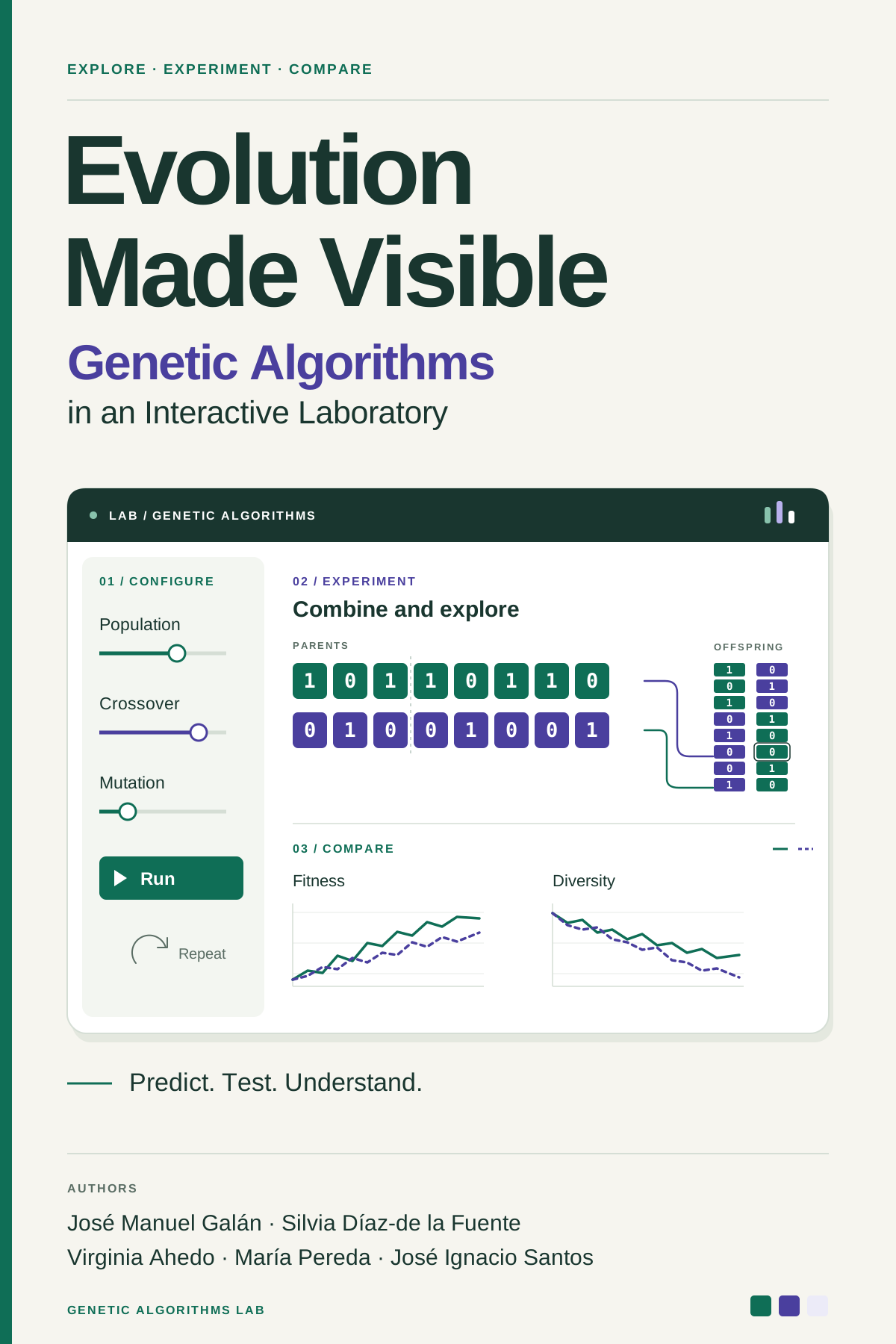
The book’s activities use the Genetic Algorithms Lab (genetic-algorithms-lab), a free portal that brings all the tools together. They run in the browser, with nothing to install and no account to create. They are available in English and Spanish, except the two simulators, which are English-only.
Version 1.0.0 of the portal is archived on Zenodo. That archive preserves the portal and its inventory; the linked tools are maintained in their own repositories.
- Five modules, one for each step of the algorithm: representation, initialization and evaluation, selection, crossover, and mutation. They show step by step what each operator does on a concrete example, let you compare alternatives, and have a Practice mode: it sets an exercise with its data, checks your answer, and links to the step-by-step solution.
- Two simulators. EvoTraveller runs a complete genetic algorithm on the traveling salesman problem, and SelectionMechanisms repeats many generations to compare selection mechanisms, convergence, and diversity.
You don’t need to go through the portal: every activity in the book links to the tool it needs, and the examples open it in the exact state of the example.
The text uses American spelling. Names of tabs, controls, and buttons are quoted exactly as they appear in each application’s English interface, so some keep British spelling, such as “Travelling salesman problem” or “Penalise”.
Explanations and Activities
The book lets you tell at a glance what you read from what you do. Theory is set as ordinary text; anything that asks you to work is placed inside a box.
Explanations. The text and figures that present the concepts. You read them as you would any book, and they need no tools.
Sets up a concrete situation, with its data and its random numbers fixed. Try to predict the result before opening it; then run the tool and explain what matched your prediction and what changed your mind. There are two kinds of green button:
- Open, filled, takes you to the application in exactly the state of the example, so the result matches the one in the book. Often the tool can also be expanded within the page.
- ⚙ Open and configure, outlined, is used with the two simulators, EvoTraveller and SelectionMechanisms, which do not store their state in the URL. It opens the application with its default values: before running it, enter by hand the values listed under Data in the example.
Gives instructions for exploring on your own: which control to move, which button to click, and what to look for. Here the results are no longer fixed in advance. The Explore button opens the relevant screen so you can try things out yourself.
Worked out with pencil and paper: predict, calculate, or argue. When there is a solution, it is folded at the end of the box; try to solve the exercise before opening it.
Each chapter begins with its objectives, in a box like this one:
What you will be able to do after completing the chapter’s basic path.
Levels and Paths
Each section has a level label: BasicB, AdvancedA, or Further reading+. In the “On this page” sidebar they are abbreviated as B, A, and +. The basic path can be read straight through without the extensions, and it includes each chapter’s objectives and summary.
Depending on the sections you follow, the book covers three levels of depth:
- The basic path only. Enough to understand how a genetic algorithm works, design one decision by decision, and tune it with simple experiments: for each representation, the most widely used operators and the appropriate replacement strategies. This is the content of a first undergraduate course on genetic algorithms or metaheuristics.
- Basic and advanced. The advanced sections ask for more background and go deeper: constraints and infeasibility, alternative codes and representations, more elaborate initialization, noisy fitness, more operators and replacement variants, and the statistical design of experiments. They suit a more complete course, or readers who plan to apply the algorithm to a problem of their own.
- Further reading. Each chapter ends with extensions: history, connections with other methods, and readings to pursue on your own.
The contents list every section with its level, and the activity index gathers the examples, “In the Application” boxes, and exercises, by tool and by chapter.
For Instructors
If you use the book as a textbook, the lab offers resources for class and for assessment, in addition to the activities in the text:
- In class, the modules’ step-by-step animations can be projected to explain each operator, and the simulators to discuss their effects on the population.
- For independent study, the Practice mode of the five modules works as self-assessment: students solve an exercise, the tool checks it and shows them the step-by-step solution.
- For assessment, each module generates question banks for Moodle (Moodle XML format) at three levels of difficulty. Depending on the module, students calculate a result, identify the operator, or find the error. The questions are organized into categories, so a quiz can draw random questions from them. The feedback for each question gives the solution and links to the step-by-step solution of that same exercise in the tool, so students can see, visually and interactively, why the answer is correct.
The activity index sorts the examples, “In the Application” boxes, and exercises by tool, to help you prepare a session around a particular application. Suggestions from instructors help us improve the book: let us know.
About This English Translation
All eleven chapters are translated in full, including their examples, exercises, solutions, figures, and further reading.
The translation was produced on October 31, 2026, by two AI assistants: Codex (GPT-6) translated chapters 1–5, and Claude (Cowork, configured model claude-opus-5-5) translated chapters 6–11. Each chapter was checked against the Spanish source for terminology, numbers, formulas, citations, links, and activity settings, and then revised separately for natural English. The authors then reviewed the English text manually, chapter by chapter, in November 2026, and corrected it where needed. Later revisions are possible.
See the translation notice, credits, license, and contact information, the contents, or the activity index.